Unlock Your Brand’s Potential: The Power of Custom Icon Design
Custom icons aren’t just about aesthetics, they’re about clarity, usability, and brand recognition. In a world where first impressions are visual and user attention spans are short, custom icon design can transform your product’s experience and communicate your brand in a single glance.
Why Custom Icons Matter More Than Ever
Every digital interface, from engineering software to mobile apps, relies on icons to help users navigate, understand, and act quickly. Yet most teams underestimate just how much these small graphics shape perception. Custom icons don’t just make an interface look polished, they make it feel intuitive and trustworthy.
Stock icons and mixed styles often lead to a disjointed interface where nothing quite fits. Custom icons, designed specifically for your product, reflect your brand’s voice and purpose, guiding users seamlessly across screens, platforms, and updates. They are the visual language that ties everything together.
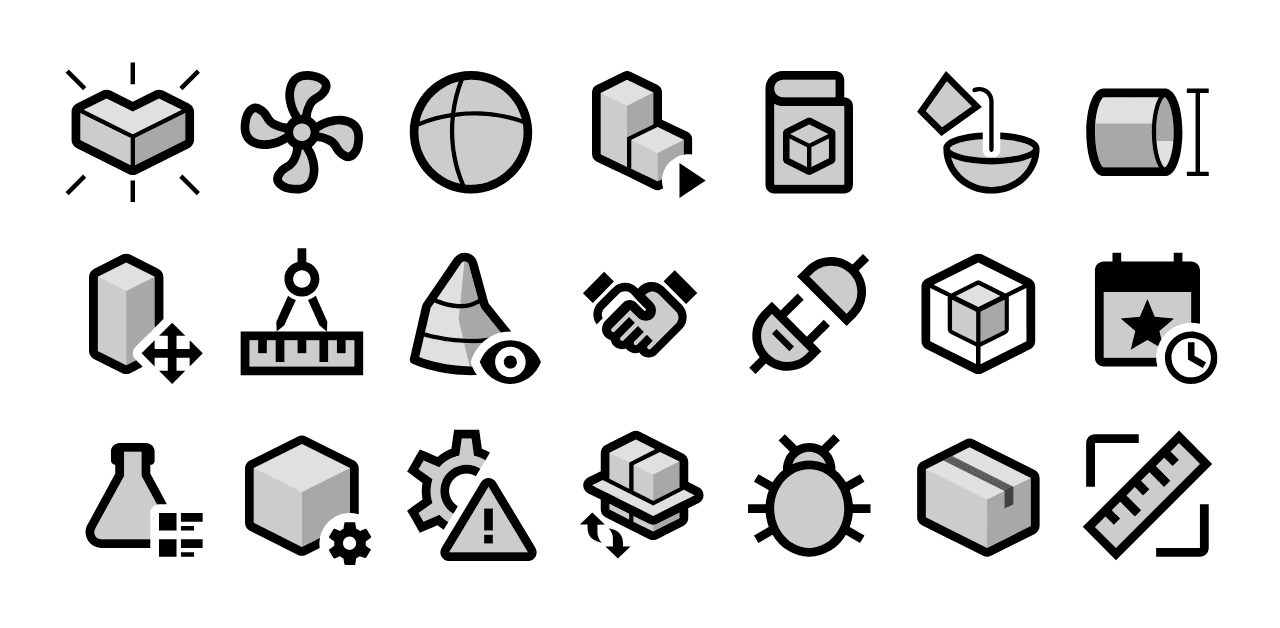
A small snippet of the 6000+ UI icons designed for Aveva’s suite of engineering software products.
From Clarity to Consistency: The Hidden Cost of “Making Do”
One of the most common issues we see, especially in long-running software projects, is that icons are often created by whoever happens to be available, usually an engineer, tester, or product owner who needs a quick visual to “fill the gap.”
Over the years, as features are added and teams change, these improvised icons start to accumulate. The result? A patchwork UI with multiple visual languages, inconsistent sizes, and icons that vary wildly in style, colour, and meaning. It’s a subtle kind of technical debt, one that quietly erodes usability and brand perception.
That’s where a dedicated icon design partner like Creative Freedom makes all the difference. Because we keep meticulous records of every icon set and style we’ve ever created, we can jump back in, sometimes years later, and produce new icons that blend in seamlessly. Our clients value this continuity. It keeps their software looking consistent and professional, no matter how many updates or redesigns come down the line.
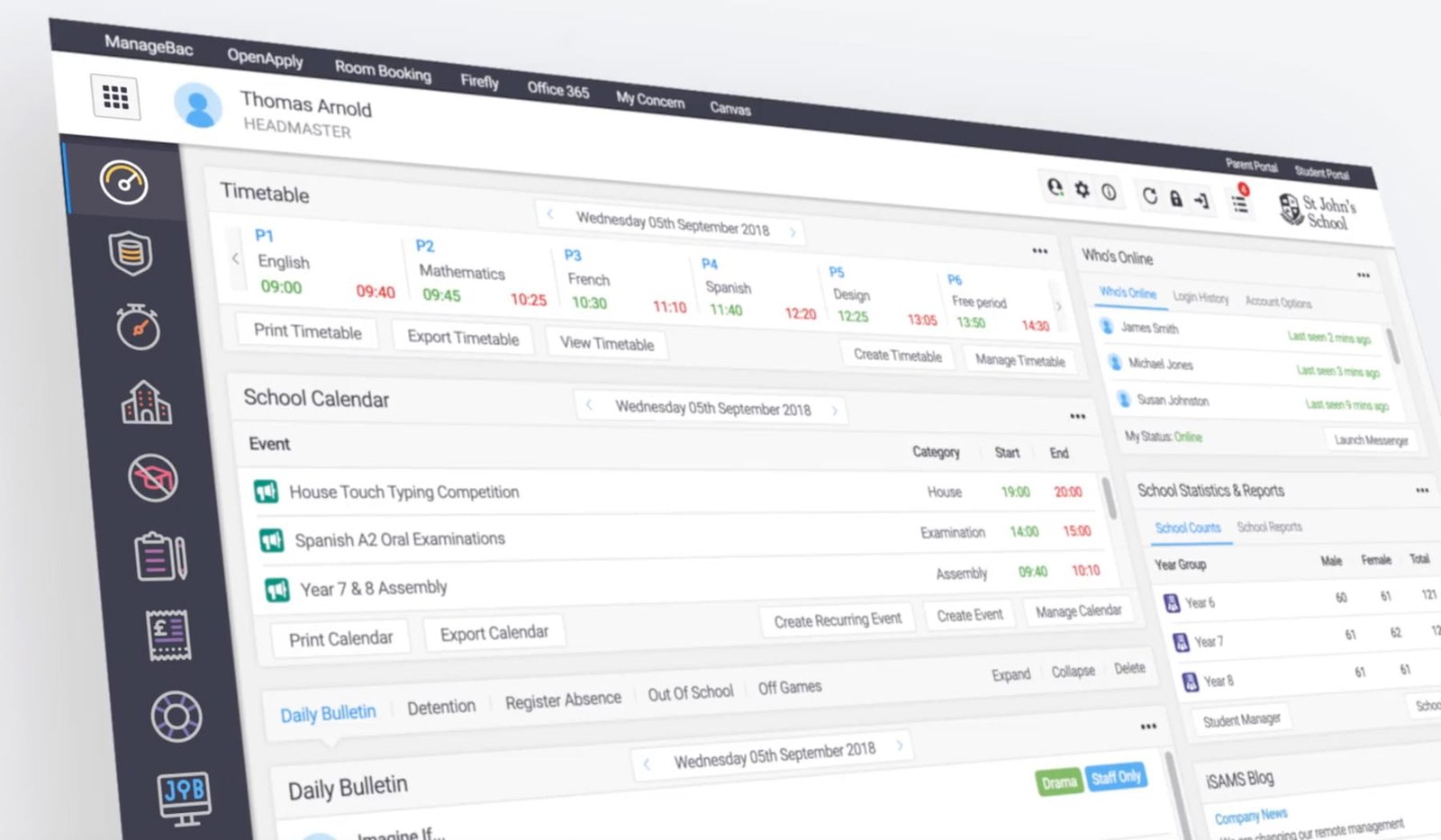
Adding new features regularly? Our icon designers can drop in perfectly matched icons for your evolving UI.
The Real Benefits of Custom Icon Design
- Brand Consistency: Every icon is designed to reflect your brand’s colours, tone, and style, making your UI instantly recognisable.
- Better User Experience: Icons communicate faster than words, helping users find what they need with less friction.
- Long-Term Efficiency: Once your visual system is defined, new icons can be added without redesigning everything from scratch.
- Professionalism and Trust: Consistent design signals quality and shows users that your software has been crafted with care.
Our Custom Icon Design Process
At Creative Freedom, we’ve refined a process that scales beautifully, from 10 icons to 10,000. We start with your product goals, audience, and technical constraints, then develop a unique visual style that fits perfectly within your existing UI. Once the style is approved, our team delivers your full set in all required sizes and formats, SVG, PNG, ICO, XAML, or whatever your developers need.
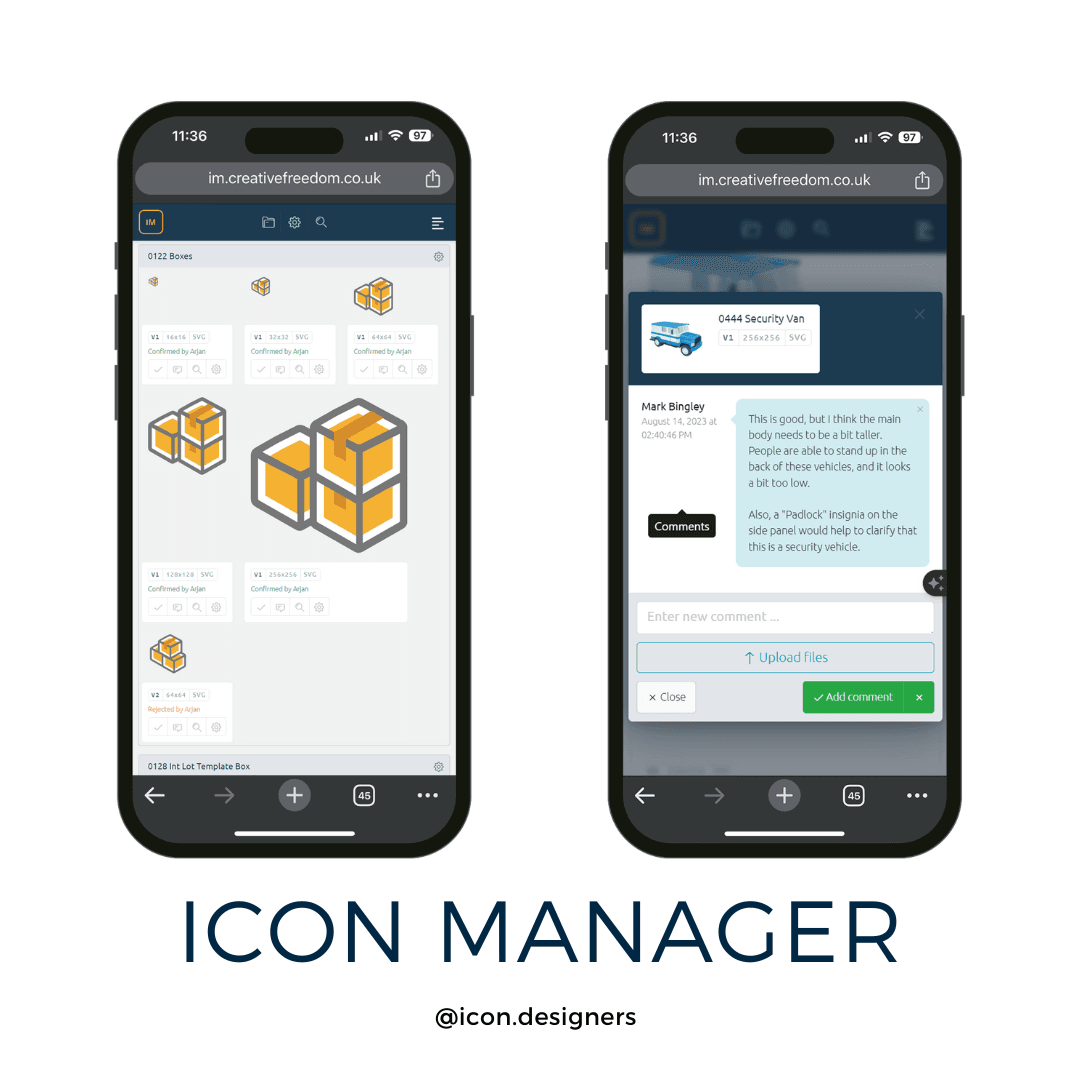
Each project is managed through our bespoke Icon Manager platform, where you can review, comment, and approve icons directly in your browser. No messy email threads or shared folder confusion, just clarity, visibility, and control from start to finish.
How Custom Icons Elevate Your Brand
Custom icons act as visual ambassadors for your brand. They communicate who you are and what you value without needing a single word. For many of our clients, bespoke icons become as recognisable as their logo or colour palette. They build familiarity, reinforce credibility, and give every part of your digital product a unified voice.
Even small touches, like aligning icon angles with your logo’s geometry or matching colour hues to your brand palette, can make your product feel intentional and coherent. Users might not consciously notice these details, but they’ll feel the difference.
Choosing the Right Style for Your Product
There’s no single “best” style for icons, it all depends on your audience and application. A minimalist line set might be perfect for a data dashboard, while a more colourful illustrative style could help marketing sites communicate emotion. Our job is to help you choose a style that aligns with your brand voice, UI/UX design language, and functional needs.
We regularly produce icons in styles ranging from simple monochrome line art to semi-realistic material-inspired systems. Whatever you choose, consistency is key, one visual language applied across every platform and device.
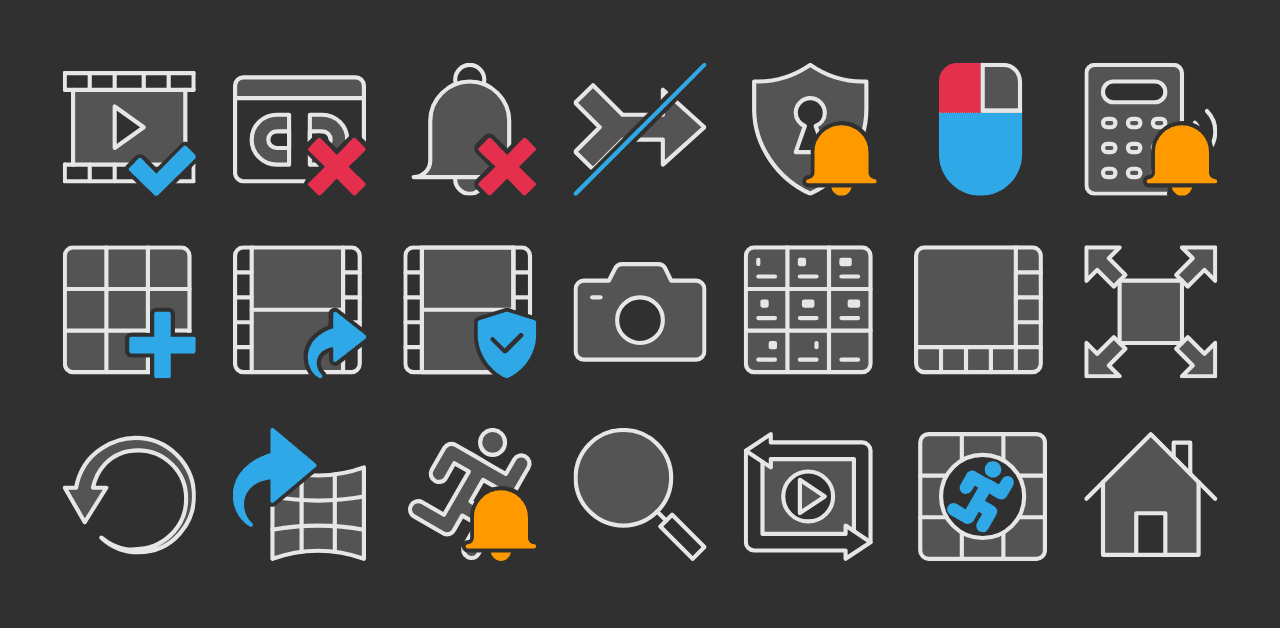
Need different icon colour palettes for light and dark UI themes? No problem, our icon design services cover every use case.
Keeping Your UI Consistent for Years to Come
Unlike one-off freelancers or stock libraries, Creative Freedom builds long-term partnerships with software teams. We don’t just design a set and disappear, we stay available to expand, refresh, or refine your icons whenever you need. Whether you need a dozen new toolbar icons next month or just one updated symbol three years from now, we can recreate the style exactly.
This long-term consistency pays dividends in maintenance and brand perception. Products that evolve visually with care feel trusted, stable, and professionally supported. It’s one of the reasons our clients, some with software dating back more than a decade, still come back to us for every new release.
Best Practices for Implementing Custom Icons
- Always use vector-based formats such as SVG, AI, or XAML to retain crisp scaling.
- Define spacing, padding, and alignment rules early in your icon style guide.
- Keep icons simple, each should communicate a single idea clearly.
- Test icons at multiple sizes to ensure legibility from 16px to 64px and beyond.
- Include accessibility text labels where possible, especially for non-standard symbols.
When to Refresh Your Icons
Even great icon sets need revisiting every few years. UI trends evolve, platforms change, and visual systems mature. A subtle refresh, adjusting line weights, colours, or corner radii, can make your entire product feel current again without confusing existing users.
If your product’s icons look blurry on high-resolution displays or inconsistent with newer modules, it’s a good sign your set needs attention. Our team can modernise existing artwork while preserving your established look, ensuring a smooth visual transition for your users.

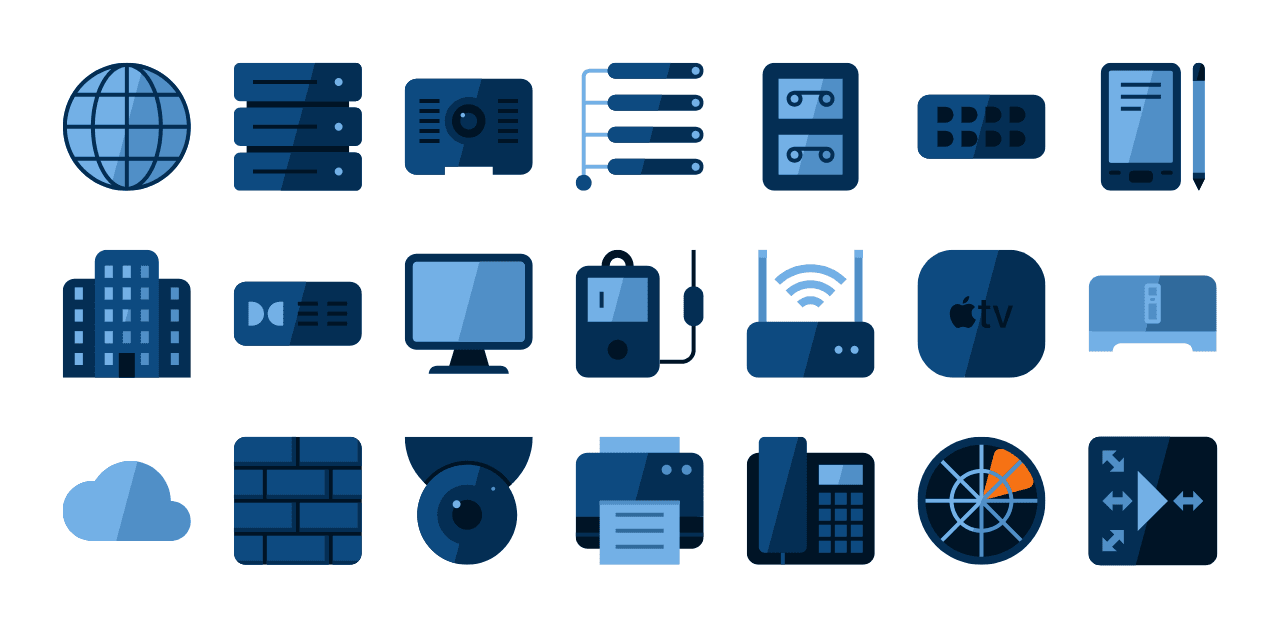
There’s no substitute for custom icons styled to match your brand and software UI perfectly.
Partner with a Trusted Custom Icon Design Company
Whether you’re launching a new platform or maintaining an established product, a consistent and professional icon set is one of the most effective ways to communicate quality and reliability. Custom icons are a long-term investment, one that pays off every time a user opens your software and immediately feels at home.
At Creative Freedom, we’ve spent more than 25 years helping global brands and software developers create scalable, enduring icon systems. We understand the nuances of technical design, the pressures of enterprise software, and the need for icons that work perfectly from day one and for years to come.


